Electronics Stores in Tokyo
Electronics stores in Tokyo — compare Yodobashi Camera and Bic Camera, product compatibility, final prices and useful branches.
Model and compatibility: check before price
Tax and coupons: use the final written quote
Yodobashi Camera and Bic Camera are useful stops for chargers, cables, cameras and appliances. For a small replacement item, confirm compatibility and stock. For a larger purchase, compare the exact model, included accessories, warranty and the total you will actually pay.
Comparing Yodobashi Camera and Bic Camera
Both chains sell a broad range of electronics, but inventory and services vary by branch. Use the same checklist at each retailer:
| Comparison | Ask both stores |
|---|---|
| Product | Is the exact model and regional version in stock? |
| Total | What is the payable total for my payment method and purchase date? |
| Promotions | Does this specific coupon apply, and can it combine with the applicable tax-free procedure? |
| Points | Are points earned on this transaction, when can they be used and when do they expire? |
| Support | Where is the warranty valid, and what happens if the product is faulty after I leave Japan? |
Points are future store credit, not a cash discount on the same purchase. Their value depends on whether you can and will use them. Do not add a headline point percentage to a tax exemption or coupon without confirming the transaction's rules.
Chargers to rice cookers
What Travelers Actually Buy
Everyday Essentials
| Item | Check before buying |
|---|---|
| USB-C charger | Required wattage, charging protocol, number of ports and input-voltage range |
| Cable | Connector at both ends, power rating and data/video requirements |
| Plug adapter | The socket and plug shape; an adapter does not change voltage |
| Power bank | Capacity, device compatibility and the airline's carrying rules |
| SIM or eSIM | Phone compatibility, lock status, validity period, data allowance and activation support |
| Headphones | Connection type, fit, demo availability and warranty territory |
Purchases to take home
| Item | Additional checks |
|---|---|
| Rice cooker or hair dryer | Exact input voltage and frequency, plug, manufacturer instructions and warranty territory |
| Camera or lens | Model version, mount compatibility, menu language and international warranty |
| Keyboard | Layout, key legends, connection and OS compatibility |
| Washlet or other installed appliance | Electrical, plumbing, dimensions and installation requirements for the destination |
Japan's domestic supply is 100V, but compatibility depends on the product's label. Do not assume that a plug adapter makes a domestic appliance usable abroad. For high-power or installed equipment, choose a model expressly suitable for the destination and follow the manufacturer's instructions.
Compare the final cost
Final Prices, Coupons and Tax-Free Terms
Before paying, show a current coupon and ask whether the exact item, customer eligibility, payment method and purchase date qualify. A published maximum discount is not a guarantee for every product. Confirm whether points are earned separately.
For purchases from 1 November 2026, eligible tax-free shoppers pay the tax-inclusive price first. The goods must receive the required customs confirmation when leaving Japan within 90 days of purchase; the shop refunds the tax after that confirmation. Ask the shop about its refund method and timing. For earlier purchases, the previous procedure applies. See the National Tax Agency.
Calculation example, not a current offer: a ¥33,000 tax-inclusive price at a 10% tax rate corresponds to ¥30,000 before tax. If that eligible pre-tax amount then receives a 7% discount, the result is ¥27,900. The difference from ¥33,000 is ¥5,100, or about 15.45%; the percentages are not simply added. Ask for the shop's actual calculation and any fees.
Bic Camera's published coupon information has category-specific rates and exclusions. Check the current offer before the visit and compare the final written quote against the other retailer.
Current retailer-provided coupon information
Choose a convenient branch
Where to Go: Branches to Consider
| Store | Location | Why this one |
|---|---|---|
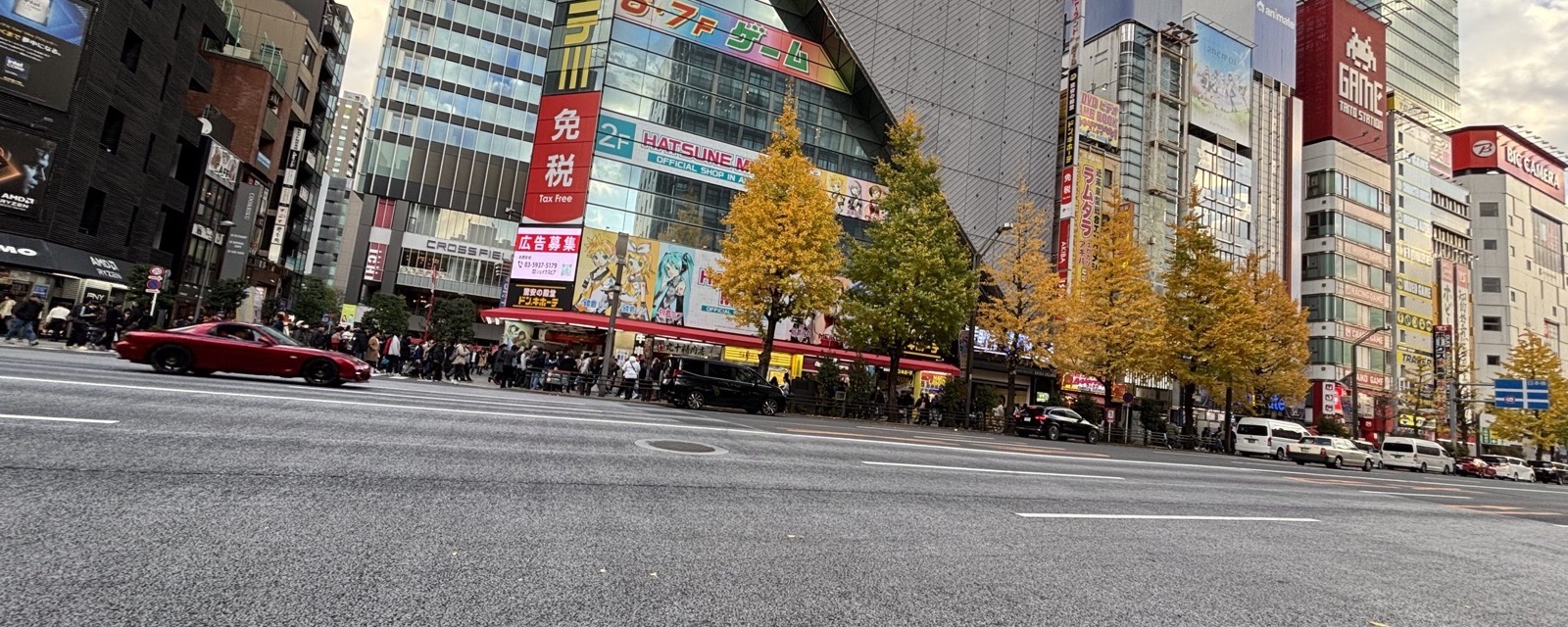
| Yodobashi Camera Akiba | Akihabara | A large branch to consider when several electronics departments are on your list; check the current directory and stock. |
| Bic Camera Yurakucho | Yurakucho | Consider it for a Yurakucho or Ginza shopping day; confirm the department and stock for your item. |
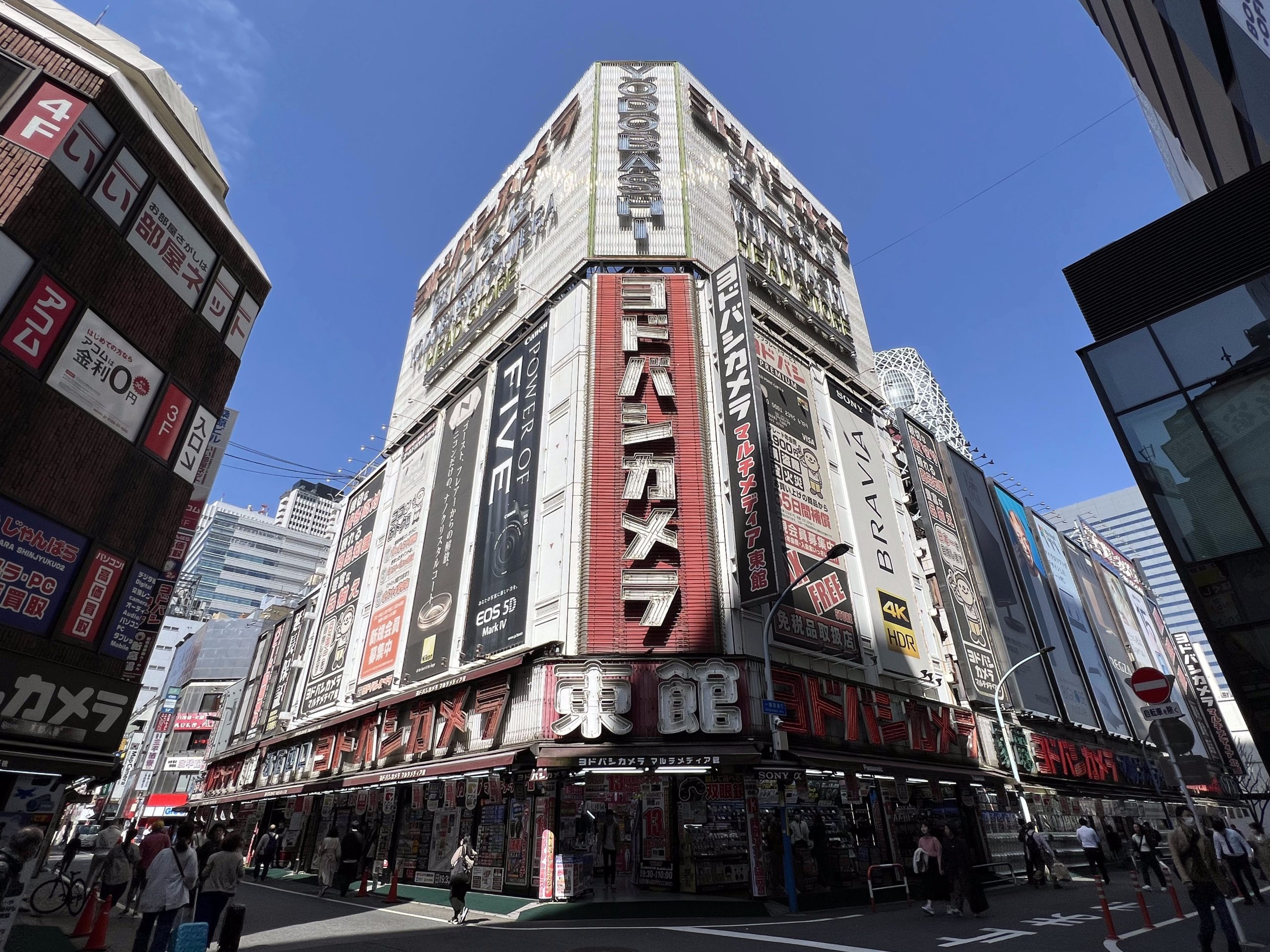
| Yodobashi Camera Shinjuku West | Shinjuku West Exit area | Check the building and department for your model before travelling. |
| Bic Camera Shinjuku East | Shinjuku East Exit area | Compare its address with the other branch and allow for the walk before planning two store visits. |
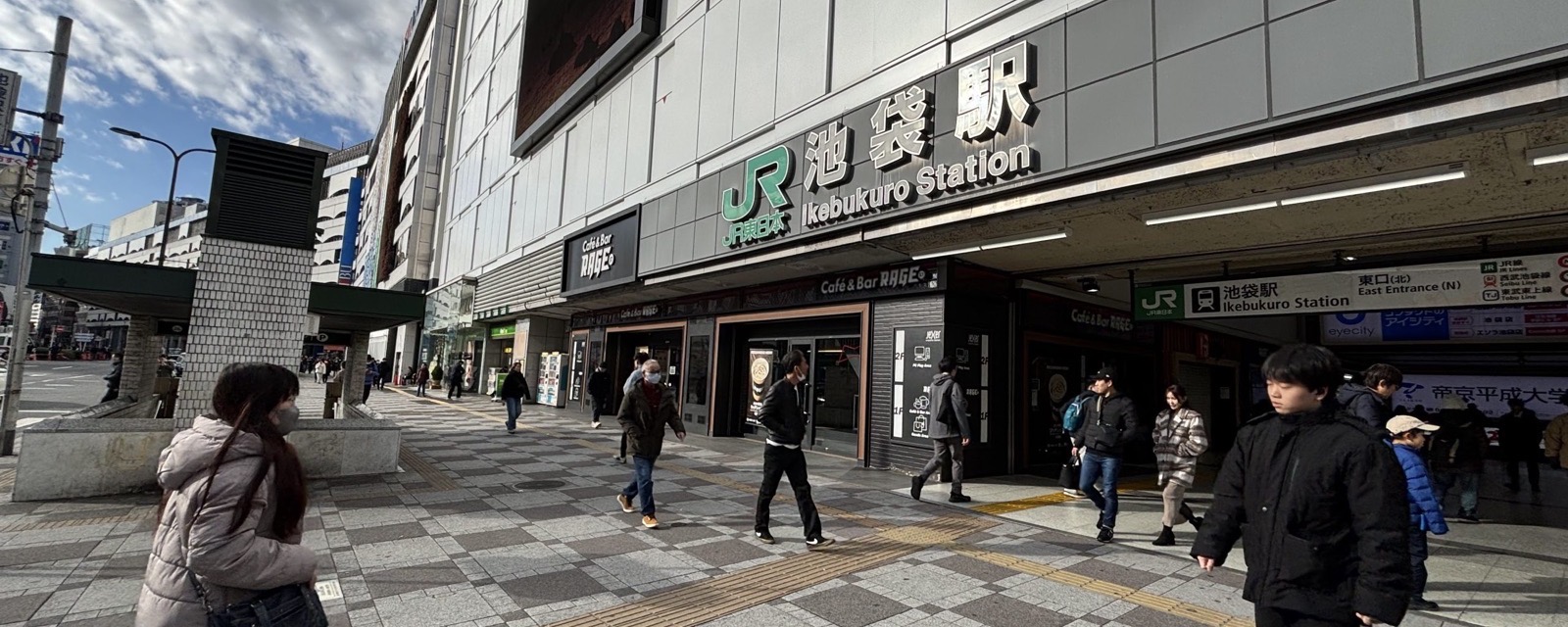
| Bic Camera branches in Ikebukuro | Ikebukuro | Confirm the exact building and department for the model you need; do not assume all branches share one entrance. |
Know your model number
How to Buy Efficiently
For quick purchases (cables, chargers, SIM):
Find the floor you need (floor guide at the entrance or elevator)
Grab what you need — pricing is on the shelf
Follow the department's checkout instructions and check the total before paying
For big purchases (cameras, appliances):
Research the model number before you go
Show the model number to staff (on your phone is fine) and ask whether it is in stock
Compare prices between Yodobashi and Bic Camera if they’re nearby
Tell staff the country where you will use the appliance. Confirm the model’s voltage, frequency, plug, installation requirements and warranty using the manufacturer’s documentation.
Ask staff to confirm your eligibility, current promotion and final payable total before checkout
For a specific purchase, show the exact model number and the compatibility or warranty question you need answered. Ask whether language support is available if the terms are unclear.
For tax-free shopping beyond electronics, see our Tokyo department stores guide and Japanese drugstore guide.
Common questions
FAQ
Can I ask for a price match?
Ask whether the store has a current price-matching policy for the exact model and competing offer. Keep warranty, accessories, payment conditions and stock availability in the comparison. A match is not guaranteed.
Should I buy an Apple product in Japan?
Compare the exact regional model and your home-market total, including currency conversion, import obligations, warranty and any device-specific differences. Confirm promotion eligibility; do not assume Apple products earn the same points or qualify for the same coupons as other electronics.
What about used or refurbished products?
Use a retailer or department that explicitly sells the condition you want, such as a used-electronics specialist. Ask for the condition grade, battery condition where relevant, included accessories, return terms and warranty. A reputation for careful ownership does not establish the condition of an individual item.
What should I check for use at home?
Use the product checks above and the manufacturer's documentation for the exact model. Phones, chargers and other electronics are not universally interchangeable across countries. Obtain a clear answer about compatibility and after-sales support before paying.
Keep exploring
Explore More Tokyo Guides
These stores are found across Tokyo. For neighborhood-specific tips on where to stay and what else to explore nearby: